QMigrator SaaS
QMigrator SaaS is a cloud-based platform that automates database migration from legacy systems to modern cloud environments with comprehensive assessment and infrastructure management. It provides a unified interface for evaluating migration readiness, designing cloud architectures, and orchestrating seamless data movement. The platform delivers actionable insights, risk analysis, and end-to-end project tracking for successful database modernization.
User Onboarding (New User)
This guide walks you through the process of subscribing to QMigrator SaaS and gaining access to the platform.
- Open https://my.qmigrator.ai/ and click Continue to Sign In.
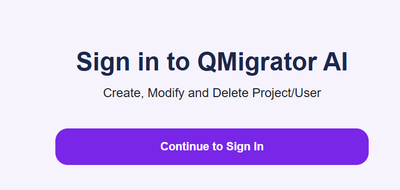
- Click on the New User? Register link at the bottom of the page.
- Fill in the required fields:
- Email address
- Password (strong, unique password recommended)
- Additional profile information as prompted
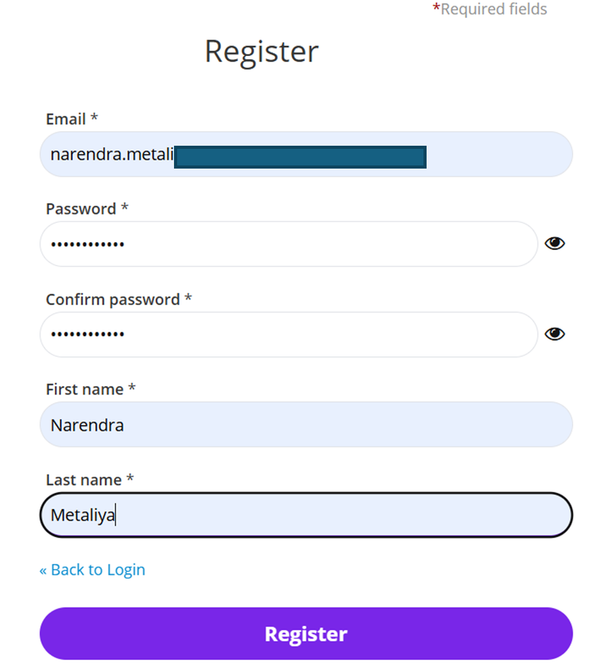
- Click Register to submit your information.
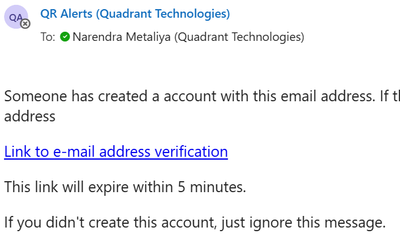
- Email Verification Complete the email verification by clicking the link sent to your mailbox.
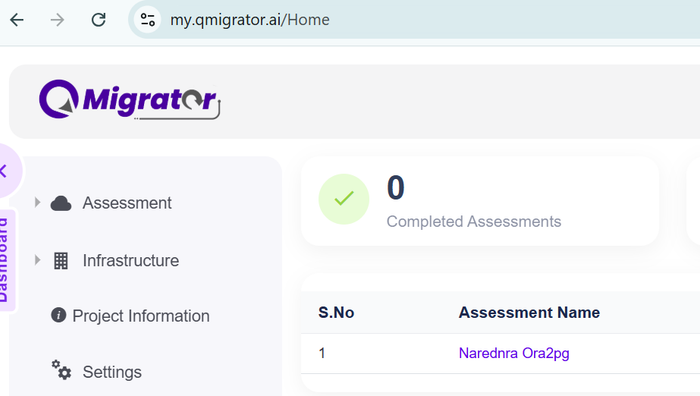
- Once verified, you will be automatically logged in and redirected to the home page.
Request Project Access
Note
If you need additional permissions to use a feature, submit an access request here.
- Go to the Project Information page from your dashboard.
- Click on the Project Request button.
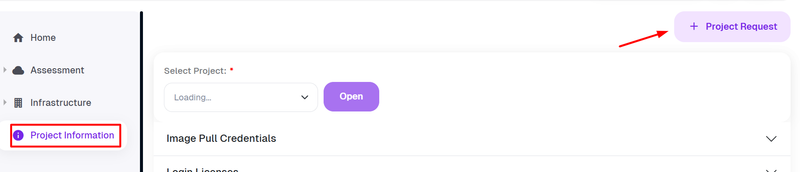
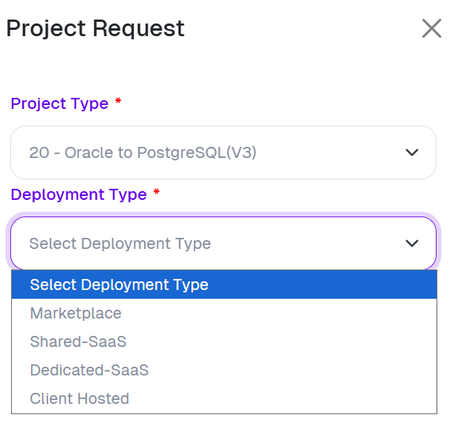
- Select your desired Migration/Project type from the available options and click Submit.
- Marketplace: Deploy QMigrator from cloud marketplaces
- Shared SaaS: Use QMigrator as a managed service operated by Quadrant.
- Dedicated SaaS: Get an isolated QMigrator environment operated by Quadrant.
- Client Hosted: Run QMigrator in your own infrastructure for full operational control.
-
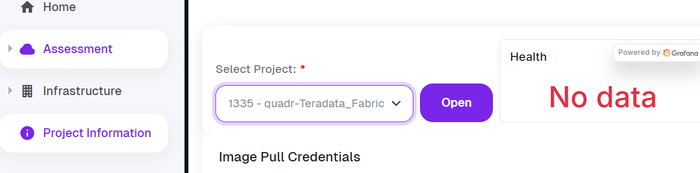
Upon successful creation, your new project will appear in the project dropdown menu and be ready for use.
Info
Projects for Shared SaaS and Dedicated SaaS requests are auto-provisioned, while licenses are generated for Marketplace and Client Hosted requests to enable login.